 Tech Drop Daily
3 Windows tricks to type faster
 Out Thu 19 Nov
3 Windows tricks to type faster
Three built-in shortcuts that save you typing every single day.
Clipboard history
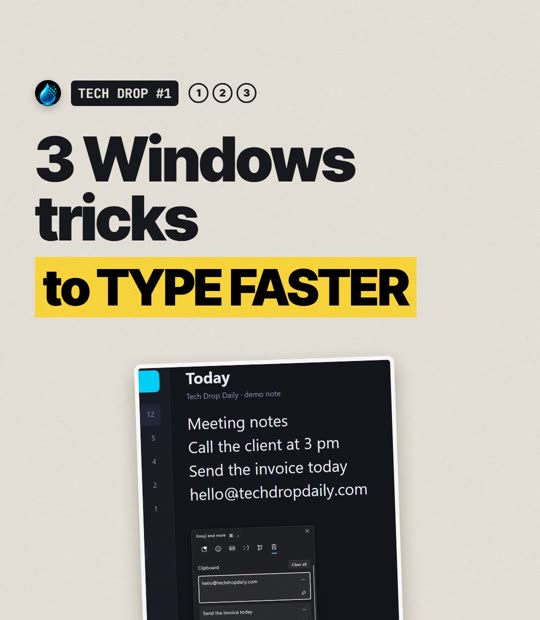
Win+VOpens a list of the things you copied recently, not just the last one. Click any item to paste it.
Pin the things you paste all the time, like your email address or a reply you type every day. Pinned items stay after a restart. The first time, Windows asks you to switch the feature on: click Turn on.
Emoji and GIF panel
Win+.Opens a panel of emoji, GIFs, symbols and kaomoji faces anywhere you can type: email, documents, chat apps. Start typing to search it.
Voice typing
Win+HClick into any text box, press the keys and just talk. Windows types what you say. You can let it add punctuation for you: open the small settings button in the voice typing bar and turn on auto punctuation.
Great for long emails and notes. You need a working microphone.
All built into Windows 11. Nothing to download. Win is the Windows logo key.
Want more? 10 Windows 11 shortcuts you'll use every day.