 Tech Drop Daily
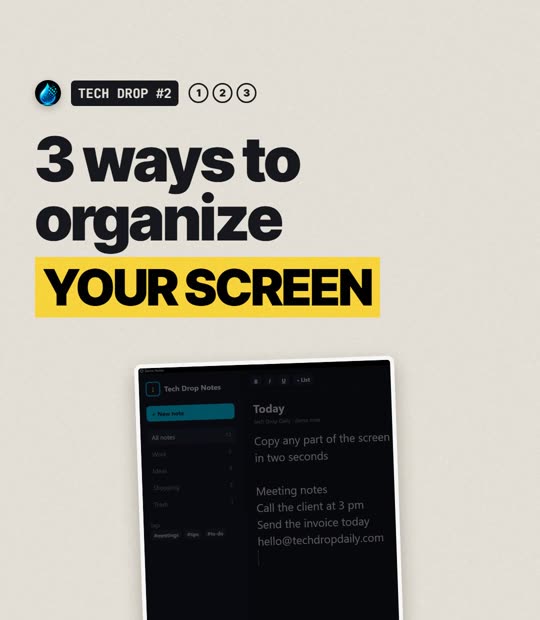
3 ways to organize your screen in Windows
 Out Fri 20 Nov
3 ways to organize your screen in Windows
A messy screen slows you down. These three built-in shortcuts tidy it up in seconds.
Screenshot any part of the screen
Win+Shift+SThe screen dims and you draw a box around what you need. It is copied straight away, ready to paste.
Click the notification that pops up to mark it up or save it as a file. The bar at the top also lets you grab a whole window or the full screen.
Snap layouts
Win+ZPick a layout: two windows side by side, three columns, or one big window and two small ones. Windows then offers your other open windows to fill the gaps, so you never drag and resize by hand.
Virtual desktops
Win+Ctrl+DCreates a new, empty desktop. Keep work on one and everything else on another.
Switch between them with Win+Ctrl+←/→. Close the one you are on with Win+Ctrl+F4; its windows move to the next desktop, nothing is closed.
All built into Windows 11. Nothing to download. Win is the Windows logo key.
Want more? 10 Windows 11 shortcuts you'll use every day.